 Ammonite
Circle it. Switch it.
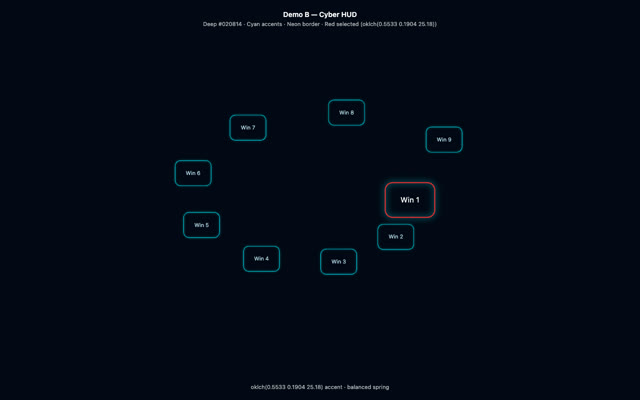
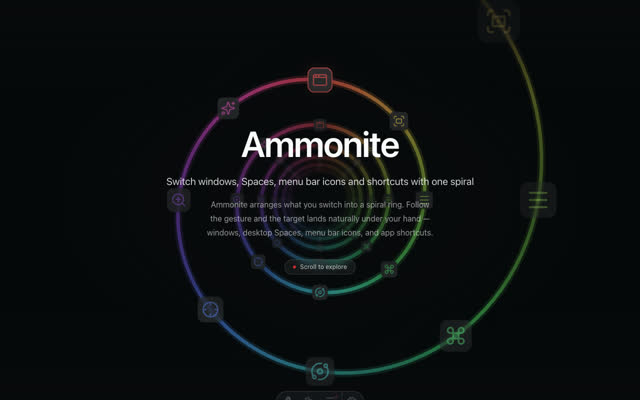
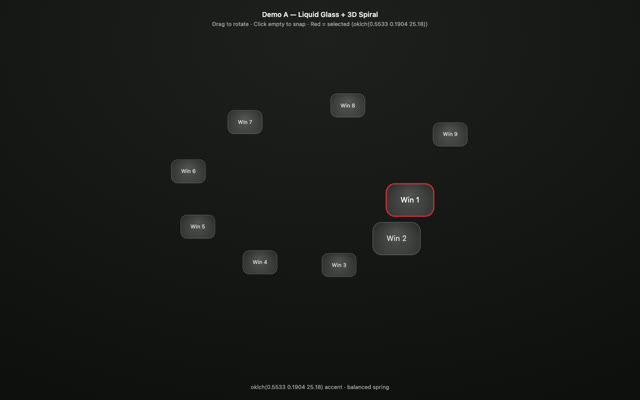
One circle on the trackpad pulls your whole workspace into a spiral — windows, Spaces, menu bar icons, shortcuts.
Scroll to travel the spiral
Every window
Sorted by what you touched last, so the window you want is usually the one your finger passes first.
Spaces & fullscreen
Jump between Spaces without the three- or four-finger swipe or the Mission Control detour.
Menu bar icons
Icons macOS tucks out of sight are pulled into the ring — pick one and its menu opens.
App shortcuts
Fire the active app’s shortcuts — and its macOS Services — straight from the spiral.
Trackpad gesture
Two to four fingers on the trackpad, any starting side, either direction — the spiral follows the hand that draws it.
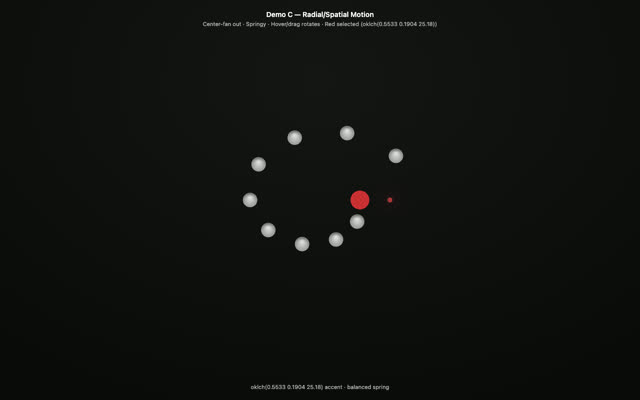
Every display
Opens on the display under your cursor — the ring is always where your hand is.
Live previews
Live window previews, so you pick the right window the first time.
Native
Native macOS: instant to open, light on memory, private by default.